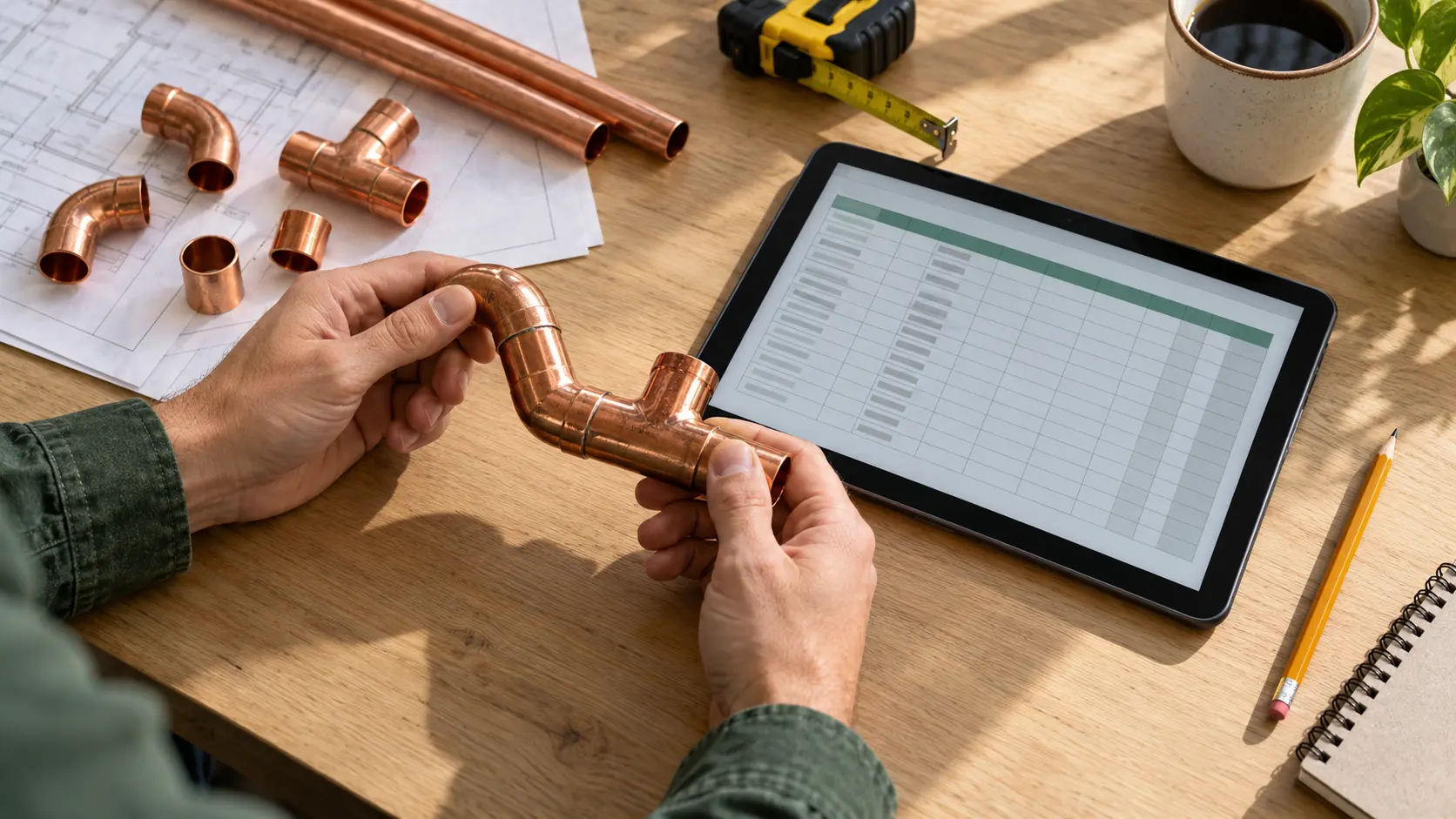
These are BIMTA starting methods. Adapt them to the project and trade. Official references explain the documented capabilities; the suggested checks turn them into questions you can test.
Agree the receiving task, file format, supported version, units, origin and orientation. Revit 2025’s IFC settings include a coordinate base, export scope and property options. Record the settings instead of relying on “export succeeded.”
Check the result
Open a small exchange in the receiving workflow. Check a known location, dimension, orientation, object and required property. Repeat after a setting or version change.
Watch for: A file that opens can still be misplaced, incomplete or unsuitable for the receiving task.
Create content around a named deliverable. Decide which geometry, connections, identifiers and properties the next person needs. Keep a reviewed library and record its supported software and template versions.
Check the result
Place a sample, connect it where relevant, change its size or type, and inspect the drawing, schedule and exchange. Check units and required values.
Watch for: An attractive object can still schedule incorrectly or demand more upkeep than the task justifies.
BIMTA suggested practice. Validate against your content standards.
03
FIND THE ISSUES THAT MATTER
Targeted clash review
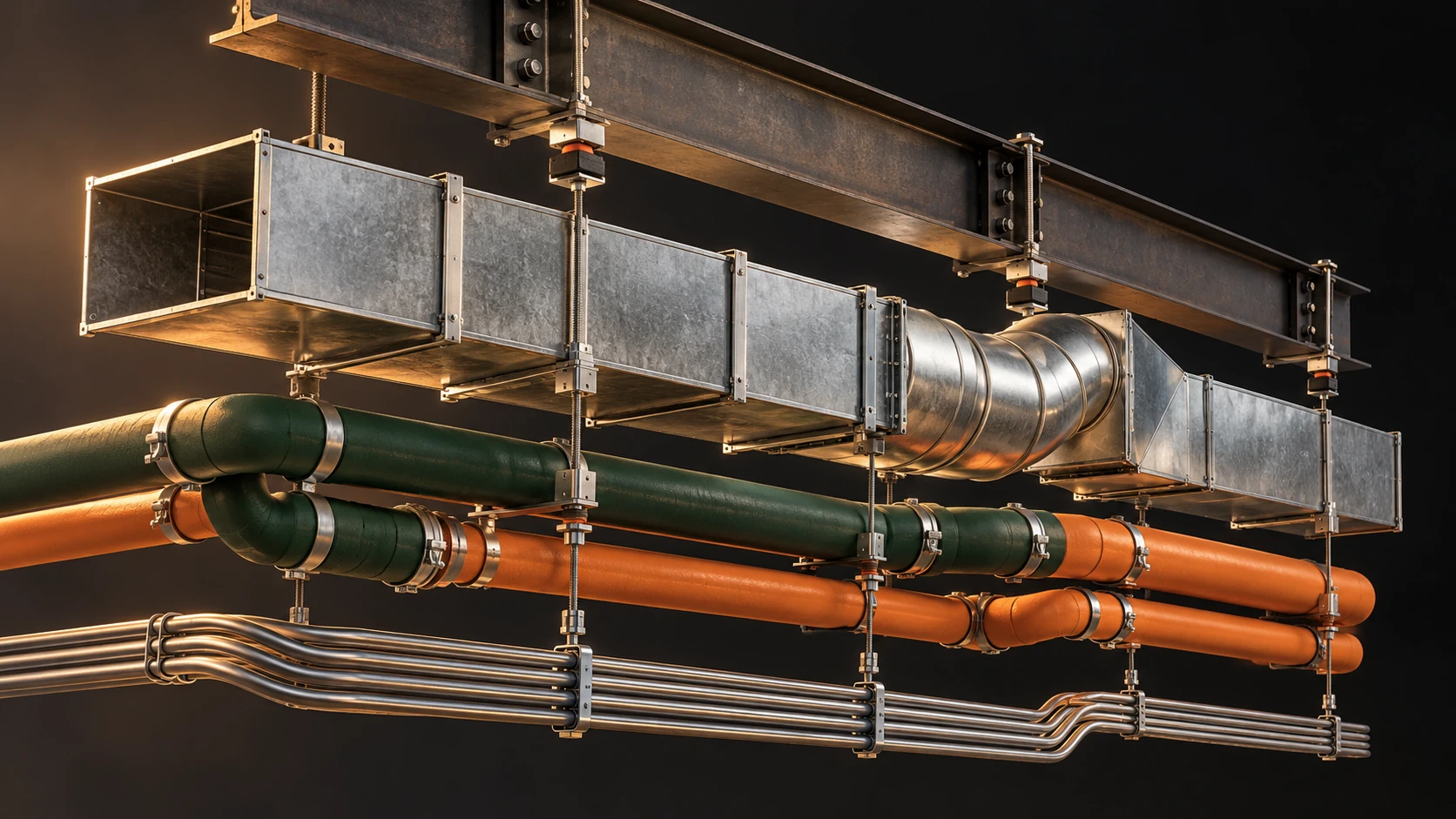
Define selection sets, model revisions, test purpose and tolerance. Autodesk’s Navisworks 2023 guidance distinguishes intersections from clearance checks on static geometry. Moving-component checks are a separate setup.
Check the result
Use known examples to confirm the test finds the intended condition. Assign decisions, record resolutions and rerun after changes. Include insulation and access needs in the agreed review.
Watch for: A low clash count does not prove that missing geometry, installation sequence or fabrication details are acceptable.
Revit 2026 requires a fabrication configuration before placing MEP fabrication parts; a model uses one configuration at a time. Assign responsibility for the configuration, services and approved content.
Check the result
Record the software and database versions. Test a representative assembly, components, dimensions and downstream output. Have the authorised role confirm the release against project and shop requirements.
Watch for: Converting or coordinating geometry does not by itself establish manufacturing readiness.
Define the items, units, filters, phases and exclusions before using a schedule or export. Autodesk describes IFC base quantities as geometry-derived, independent of measurement rules. Decide how your take-off relates to buying and installation.
Check the result
Reconcile a sample against known objects and dimensions. Check duplicates, omitted items, fittings, waste allowances and package boundaries.
Watch for: A model quantity is not automatically a purchase quantity. Unmodelled items still need an agreed treatment.
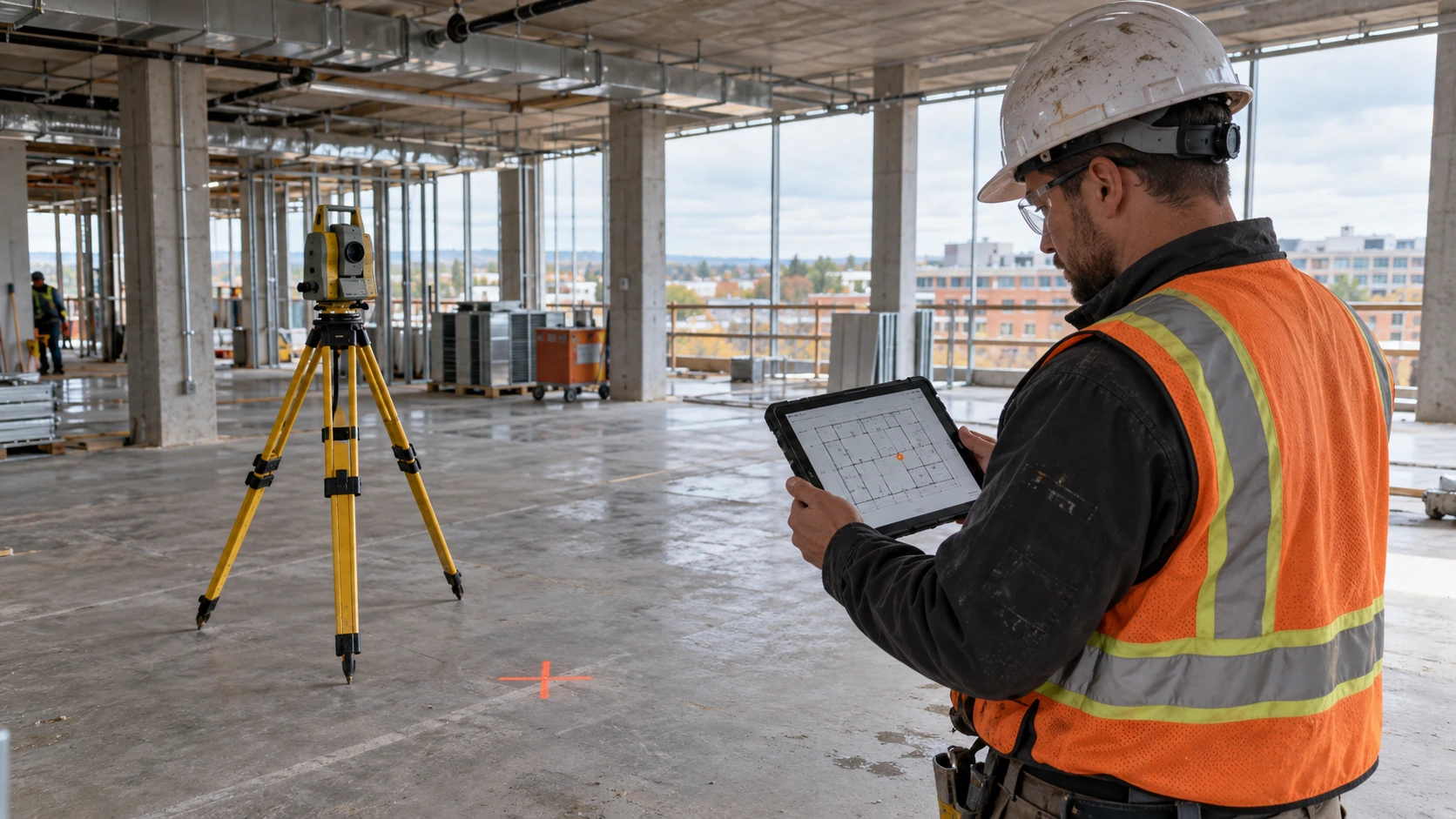
Define the survey purpose and required tolerance before selecting a capture method. NIST’s 2011 research examined range error factors including distance, incidence angle and reflectivity. A dense point cloud alone does not establish fitness for a task.
Check the result
Have the responsible survey or measurement specialist check control, registration, coverage and representative dimensions. Record gaps and limits before relying on the data.
Watch for: Hidden surfaces, alignment errors or unsuitable measurement quality can undermine a convincing visual result.
Agree the receiving system, required identifiers, properties, documents and acceptance checks early. Use IFC or COBie where the project requires them. IFC defines an exchange schema; the supported release and intended exchange still need agreement.
Check the result
Try a small receiver-approved sample. Confirm required records, identifiers, units and document references; name who updates each item through change.
Watch for: A technically readable file can still contain incomplete or unusable information. The filename does not prove acceptance.
Automate one defined task with known inputs and acceptance checks. Use AI to help draft or explain, then verify against the exact software version and official reference. Revit’s API documents that committing a transaction can return Committed, RolledBack or Pending.
Check the result
Try a permitted sample copy. Check transaction status, expected changes and unchanged areas, log failures and confirm recovery. Keep a working version and a human review before release.
Watch for: No error message is not proof of a correct result. Share project data with external tools only when authorised.
Write the requirement before comparing tools. Ask for a demonstration using an authorised representative sample and your acceptance checks.
Work to support
Requirements to confirm
Evidence to ask for
Authoring + detailing
Required objects, properties, connections and output formats.
A small model that produces the agreed drawing, schedule and exchange.
Coordination + issue review
Supported inputs, selected tests, issue ownership and revision handling.
Known test conditions found, assigned, resolved and rechecked.
Fabrication + production
Compatible configuration, content, machine or shop outputs and release process.
A representative assembly accepted by the responsible shop role.
Capture + field delivery
Required tolerance, control, coverage, devices and access at the point of work.
An agreed field check and usable information on the intended device.
Data + automation
Supported schemas or APIs, permissions, validation, logs and recovery.
A sample exchange or task that passes the receiving checks.
Make the setup explicit.
Record exact versions, add-ins, licence features, operating system, model size, exchange formats and receiving software. Check the vendor’s requirements for that release and test the workload on the intended hardware.
Price the ongoing work.
Include access, storage, backup, support, staff training and content maintenance. Name who owns updates, permissions and recovery. Test field connectivity and device access where the result will be used.
Compare complete workflows: preparing the input, doing the work, checking the result and keeping it usable. A feature list or a demonstration with ideal data is only a starting point.
OFFICIAL REFERENCES / EDITION 1.0 / CHECKED 17 October 2026
Keep the version with the lesson.
Reference versions are stated deliberately. Confirm the documentation for your installed release before applying a workflow. Links do not imply affiliation, endorsement or BIMTA certification.
 01
01